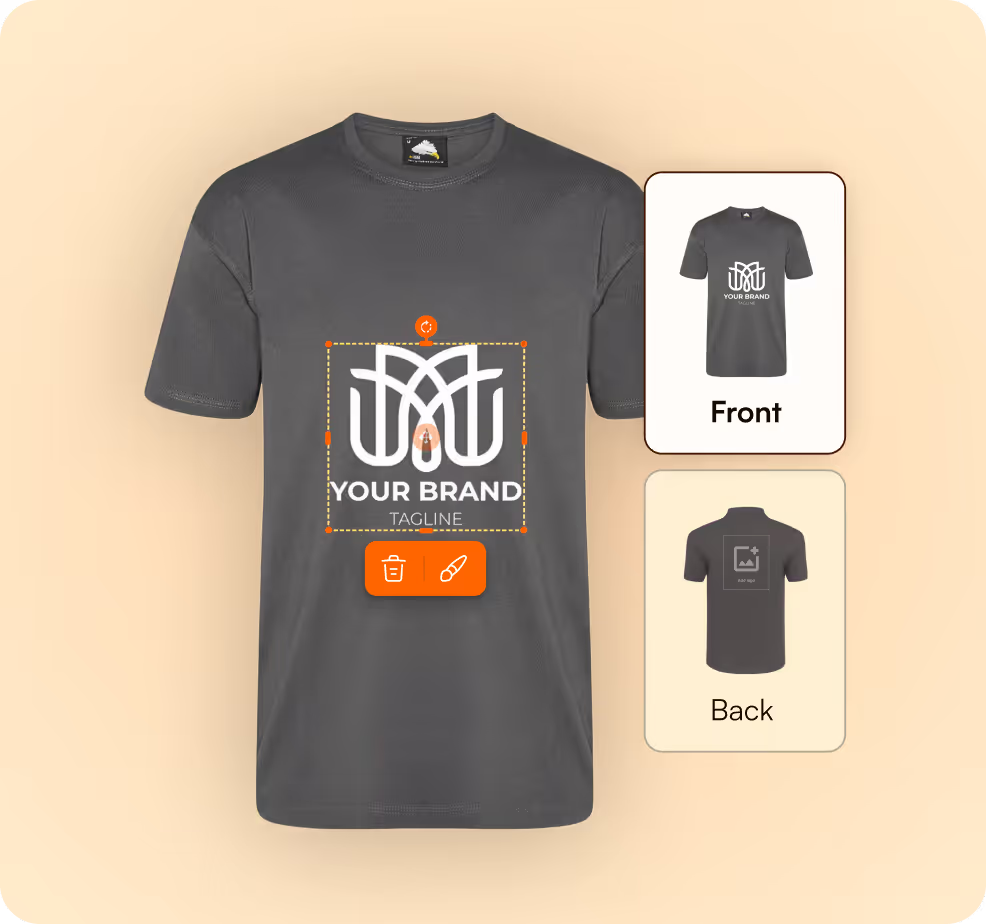
A customer uploads a logo or photo. FastEditor outputs a production-ready file that matches your exact print specifications. Automatically. No designer. No prepress. No corrections loop.
Request a demoAccepted via your existing storefront or internal tool. No separate upload workflow required.

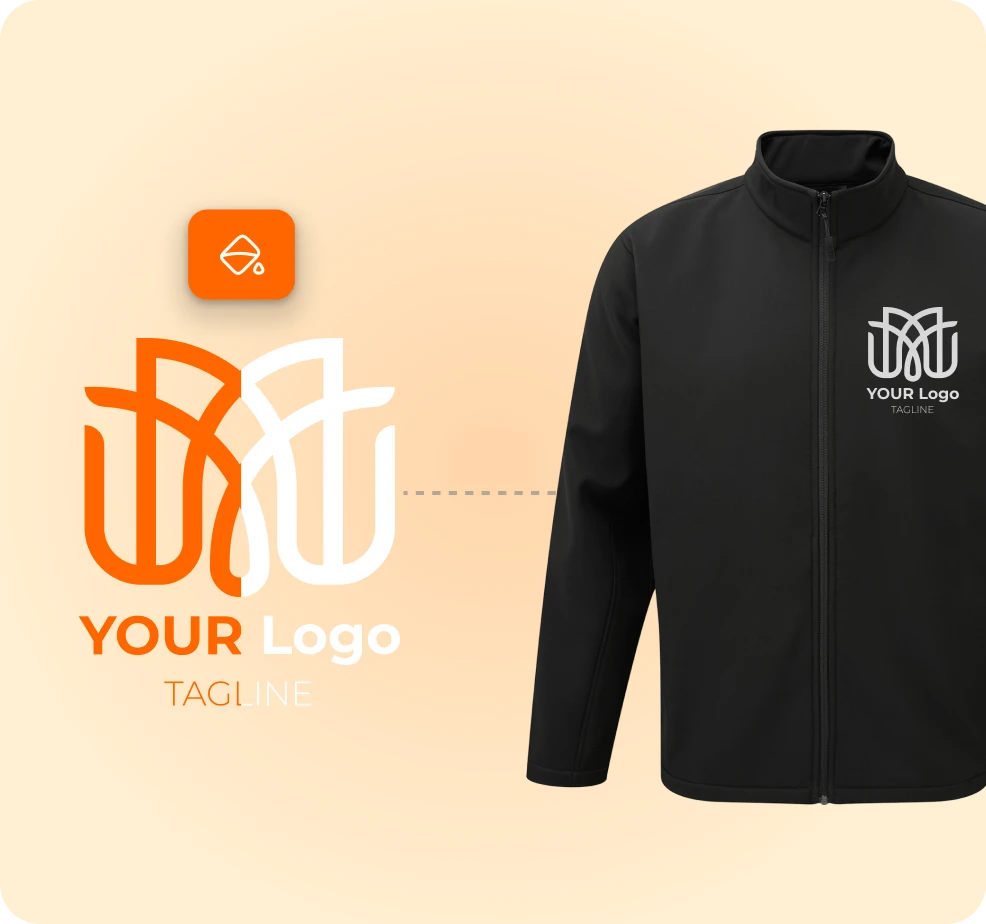
Auto-vectorisation, background removal, and scaling to print area. Every step runs against your production specifications from the Product Hub. No manual checks.
Vector files, layered files, color separations, embroidery files, engraving files. Output matched to the technique.
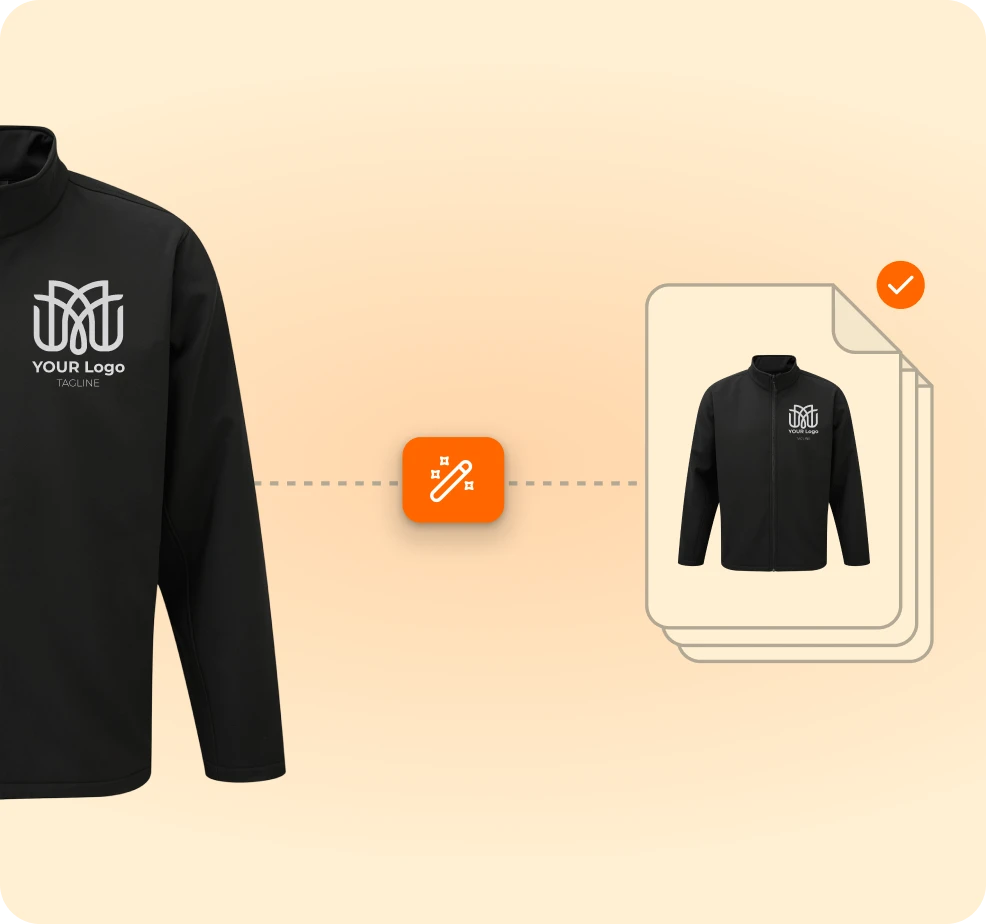
Sent directly into your production system. No corrections. No prepress. No delays.
Every file is built against your supplier settings, print area coordinates, and technique requirements. No manual configuration.
No DTP team involvement. No back-and-forth. Logo upload to production-ready file in under 20 seconds.
Manual artwork checks are the biggest cost driver per order. FastEditor removes them entirely.
Editor-enabled product pages convert at a measurably higher rate. Print proofs generate at the point of purchase, not after it.
From customer approval to production-ready file. The entire flow runs without a single manual step.
The proof customers approve is the file that goes to production. What they see is what gets printed.
FastEditor supports all common and advanced techniques, including:Screen printing, Screen transfer, Pad printing, UV printing, Laser engraving, Engraving, Embroidery, Sublimation, Digital printing, Digital transfer, Doming, Hotstamp, Debossing, Embossing, Bulb printing, Plant printing, Flower printing, and more.
Yes. You can configure:
Each supplier and technique can have its own rules.
Yes. The print proof matches the production file.
This reduces disputes, misprints, and unexpected results.
Yes. If a product uses a technique that requires vector artwork, FastEditor automatically vectorizes and optimizes the logo before creating the production file.
Yes. Through integrations or custom API workflows, production files can be:
FastEditor automatically improves, vectorizes, sharpens, or adjusts the logo based on the print technique.
If the file is too low quality to fix, optional customer prompts can request a better logo.
Yes. Multiple print areas are supported in the production files (like front and back printing for apparel). Multi-technique products are supported in 2026, generating separate, technique-specific files automatically when different printing techniques are used in one order.
Yes. Every order can include:
These can be customized per supplier.